
7 Days to Die is a destructible voxel world, and blood moon night is when that world turns hostile all at once — dozens of zombies converging on your base while the game streams and re-meshes terrain around them. That is the moment cheap hosts stutter. DedicatedMC runs your server on high-clock hardware so it holds up under horde load, gives you full control of serverconfig.xml for horde frequency, gamestage and difficulty, installs mods from the Mods folder, and backs up your world automatically.
Most of the week on a 7 Days to Die server is quiet — scavenging, building, digging. Then the blood moon comes and the load profile inverts: a horde spawns, paths toward the players, and starts tearing through a base made of thousands of destructible blocks that the server has to update in real time. That combination of entity count and voxel physics is the real benchmark, and it is exactly where an oversold node drops its frame rate and the whole group starts rubber-banding.
We run 7 Days on high-clock hardware with NVMe storage so the server keeps pace through horde night instead of grinding to a crawl when it matters most. The world runs on a dedicated 24/7 instance, so your map persists whether or not anyone is online — no one has to host from their own PC, and progress does not vanish when the host logs off. Player count and map size both drive resource use, and upgrades are pro-rated so you can start sized to your group and scale as it grows.
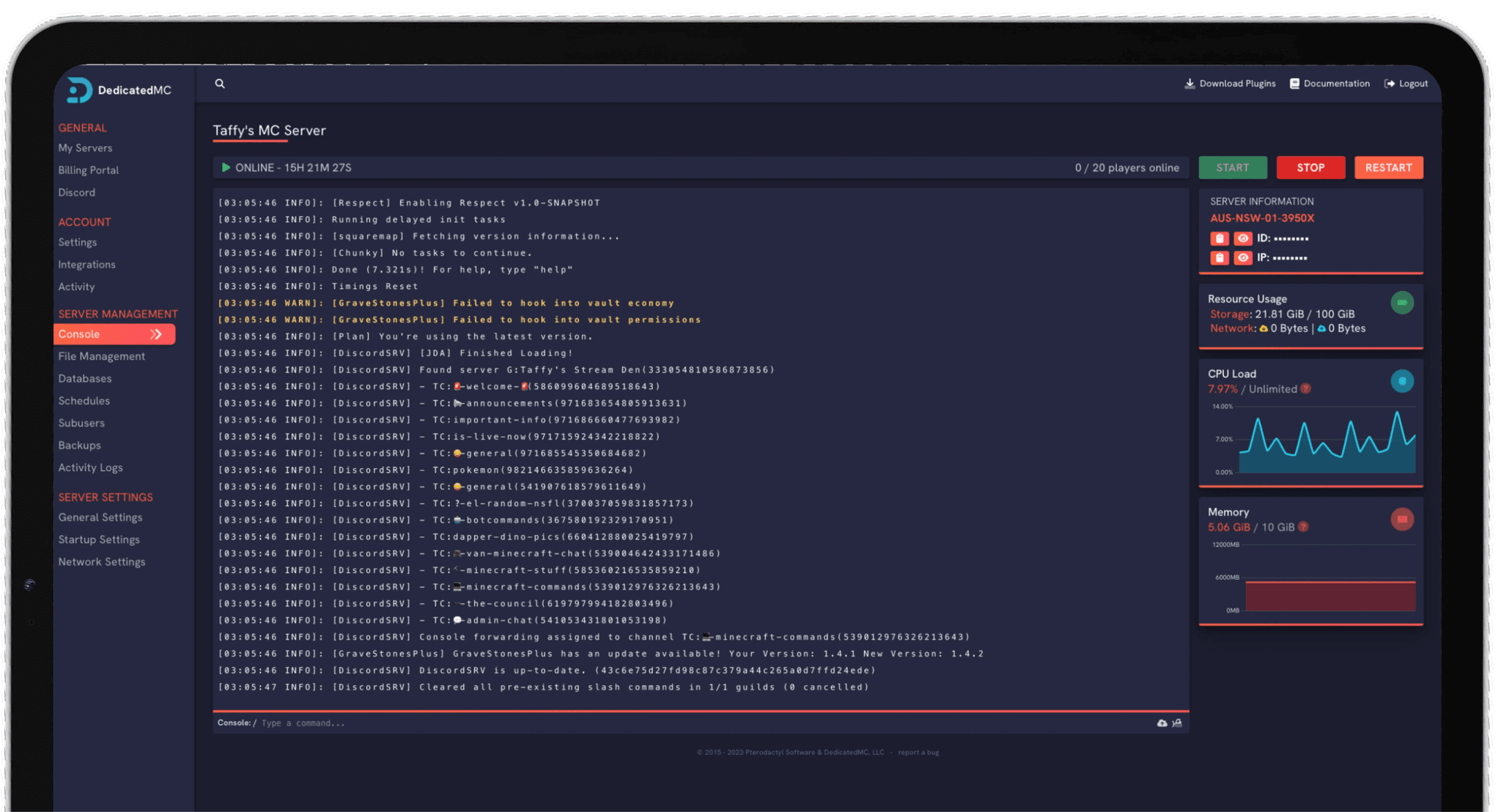
Everything runs through our in-house panel. You edit serverconfig.xml directly in the file manager, drop mods into the Mods folder, watch the live console, manage the admin list and schedule restarts — no command line, and the same panel that backs our Minecraft and Rust hosting, adapted to how 7 Days actually behaves.
High-clock cores and NVMe storage keep the frame rate up when a full horde and a destructible base would drag oversold hardware into a slideshow.
Horde frequency, gamestage-driven difficulty, loot abundance, day length and respawn timers are all yours to edit in the file manager — no locked presets.
Install server mods from the Mods folder and toggle EasyAntiCheat when an overhaul requires it — the file manager makes both a couple of clicks.
Automatic offsite backups, Navezgane or random-generated worlds, enterprise DDoS filtering and 24/7 Discord support from the team that runs the platform.
Start with the world. Point the server at Navezgane for the hand-built map, or generate a random world by seed and size — a larger map gives more to explore but costs more memory and takes longer to build on first boot, so match it to your player count. You can also upload a custom world into the worlds folder if your group has one it wants to keep playing.
Then set the pace in serverconfig.xml. The blood moon cycle, the number of zombies allowed to chase each player, the difficulty slider, loot abundance, day length and respawn timers all live there, and gamestage quietly scales the threat as your players level and survive. Decide early whether you want a forgiving builder server or a punishing survival grind, because those values shape every night that follows.
If you are running mods, add them to the Mods folder one at a time and confirm the world still loads before adding more; remember that some overhauls need EAC off and matching client-side files. Schedule a nightly backup so a horde that levels your base is a rollback rather than a lost world, and if you are moving from another host, our automated importer brings your save and config across for you.
I've loved this service since I left my old host. I never found a decent provider until this one. They have amazing support and have never let me down, even when I've had serious issues. Their plans are very affordable and for the quality you get I don't think anything beats it. I've used their service for around 4 years now and will continue to be a loyal customer.
Service and customer support? Fantastic. I've never had a single issue with my server they haven't been able to help with. The servers are always running well and their customer support is equally as good — quick, helpful, patient and most importantly very transparent. If there are any issues, they will most definitely be there to help you.
Best company hands down. Their support team is friendly, fast, and incredibly helpful — especially through Discord where you can easily open a ticket. They offer features that some competitors charge extra for, and they genuinely help with server issues without any hassle.
Been with DedicatedMC for just under a year now and have yet to have an issue. I've never had problems with downtime or their support — it's by far the best in the space. They reply almost instantly and are always happy to help.
Switching hosts usually means a weekend of zipping files and hoping nothing breaks. Our importer handles the whole migration automatically — free, on every plan.
Open the importer in your panel and tell it where your current server lives. That's the only thing we need from you.
Worlds, plugins, mods and configs transfer automatically. No zipping files, no FTP client, no support ticket.
Your server comes up on our hardware with everything where you left it. Update your players' IP and you're done.
Unusual setup? Ask on Discord and we'll do it by hand.
Blood moon behaviour lives in serverconfig.xml. You set the day frequency — the default seven-day cycle, more often, or off entirely — plus the number of zombies that can chase a single player during the horde and the range the game will spawn them from. The horde scales with gamestage, so a group that has survived and levelled will face a heavier night than fresh spawns, which is what makes horde night the real stress test of your hardware.
Gamestage is the hidden difficulty value the game derives from player level and days survived; it drives how many and how tough the zombies are, especially on horde night. Separately, serverconfig.xml exposes a game difficulty slider, block and loot damage, day length, loot abundance and respawn timers. Between the two you can make a server anything from a relaxed builder to a brutal survival grind.
Server-side mods go in the Mods folder, one subfolder per mod. Upload the mod through the panel's file manager, drop it in Mods, and restart. Larger overhauls and any mod that changes assets usually require players to install the same mod locally, so check each mod's notes for whether it is server-only or needs matching client files.
Both work. You can point the server at the pre-built Navezgane map, generate a fresh RWG (random world generation) map by seed and size, or upload a custom world into the worlds folder. Larger generated maps give more to explore but cost more memory and take longer to generate on first boot, so match the world size to your player count.
Yes. EasyAntiCheat is toggled in serverconfig.xml. Leave it on for vanilla servers; some mods require EAC to be disabled to run, so if a mod will not load on an otherwise correct install, EAC is the first thing to check. Turning it off is a deliberate trade-off you make when your server is modded.
Automatic offsite backups run on a schedule and capture the whole save, so a horde-night wipe or a bad update is a rollback rather than a lost world. For sizing, 7 Days is demanding — it streams and re-meshes a destructible voxel world — so RAM and CPU needs rise with map size and player count. Upgrades are pro-rated, so start sized to your group and scale up if you grow.
Yes. You get console and admin access to run commands, manage the permitted admin list, kick or ban players and change settings while the server runs. Config changes in serverconfig.xml apply on the next restart, which the panel can schedule for you.