
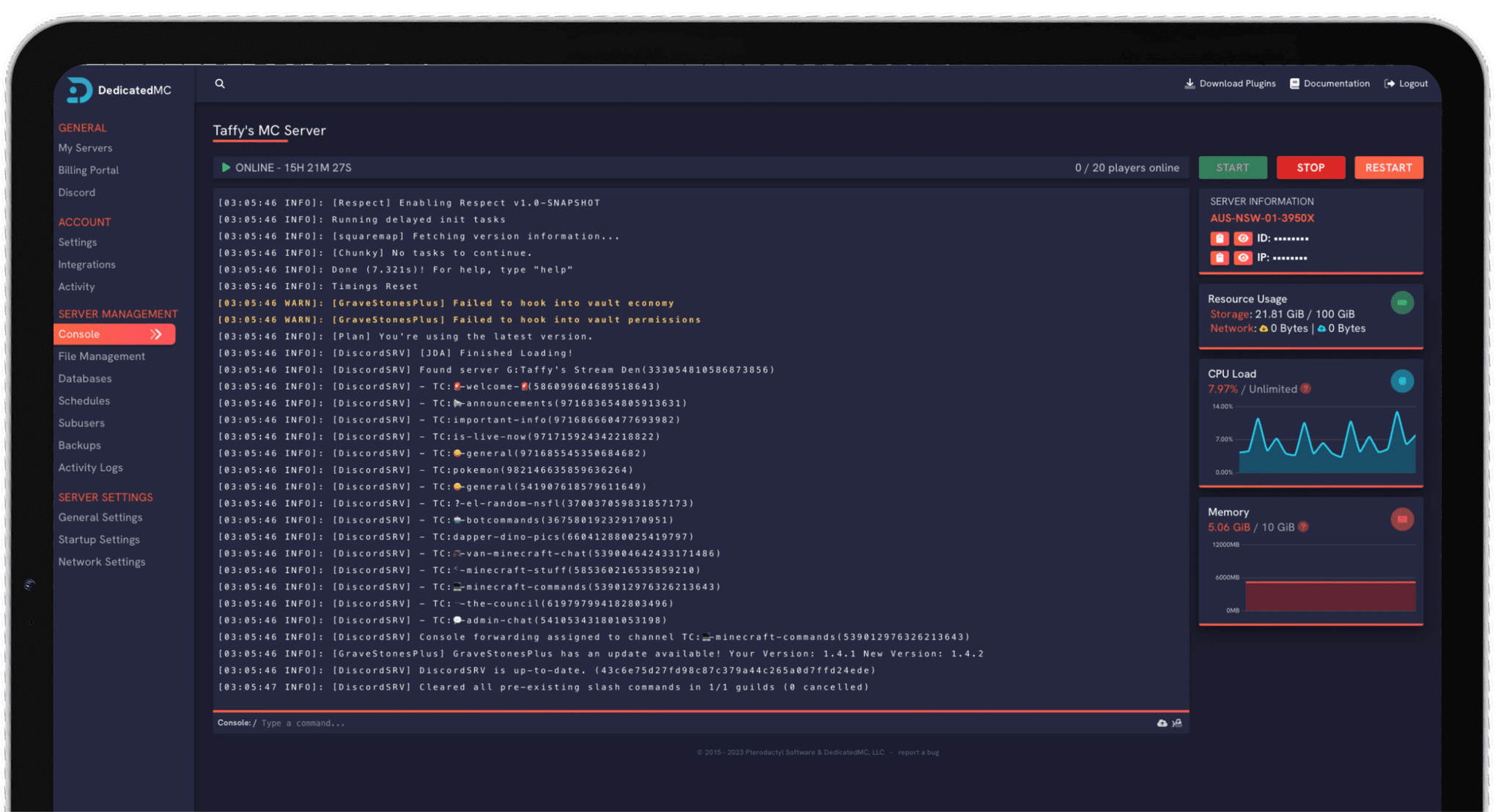
ARK: Survival Ascended is one of the heaviest survival games to host — big worlds, hundreds of tamed dinos and mod stacks that bring lesser servers to their knees. DedicatedMC gives it the memory and clock speed it needs to stay smooth. Install mods straight from CurseForge in one click, link The Island, Scorched Earth and beyond into a cross-map cluster so players carry characters and dinos between maps, and dial in harvest, taming, XP and breeding rates from the panel. Automatic offsite backups and enterprise DDoS protection keep your tribe's progress safe.
ARK: Survival Ascended is the Unreal Engine 5 rebuild of ARK, and it is genuinely heavy to run. Large maps, hundreds of tamed creatures and structure-dense bases push both RAM and CPU hard, and a stack of mods on top pushes harder still. This is a game where oversold hardware shows immediately — stutter on a busy map, long rubber-bands during a fight. We give ASA high-clock AMD Ryzen cores and generous memory so it stays smooth where cut-price nodes fall apart.
ASA moved mods to CurseForge exclusively, and our panel installs them in one click — no manual .mod files, no Workshop IDs. Add an overhaul, a stack of quality-of-life mods or a map expansion, set the load order, and restart. Because load order matters when mods touch the same systems, it is worth introducing them a few at a time and checking the server comes up clean before adding more.
Where ASA really opens up is clusters. Link The Island, Scorched Earth, The Center, Aberration and other maps into a cross-map cluster that shares a cluster ID, and players transfer their character, items and tamed dinos between maps through the obelisks — the full ARK progression loop across a whole world of maps. Full rate control over harvest, taming, XP and breeding lets you set the pace, and automatic offsite backups and DDoS protection keep your tribe's progress safe.
High-clock Ryzen cores and generous RAM to carry big worlds, large dino counts and mod stacks that would grind an oversold node to a halt.
Install ASA mods straight from CurseForge in the panel and set their load order — no manual files, no ID hunting, no support ticket required.
Link multiple maps into one cluster so players move characters, items and dinos between them through the obelisks — the way ARK is meant to be played.
Tune harvest, taming, XP and breeding from the panel, with automatic offsite backups, DDoS protection and 24/7 Discord support behind you.
Pick your first map — The Island is the usual starting point — and get it running vanilla before you add anything. If you plan to run mods, install them from CurseForge a few at a time, restarting and checking the server comes up cleanly between additions so a bad load order does not leave you guessing which mod caused it.
To build a cluster, give each map the same cluster ID so they share transfer data, then players can move characters, items and dinos between them through the obelisks and terminals. Add maps as your community grows rather than standing up everything at once — each running map is more memory in use.
Set your rates in GameUserSettings.ini and Game.ini from the panel: harvest amount and taming speed shape the early game, while breeding, maturation and egg-hatch speed decide how much of a project raising dinos becomes. Take a backup before large changes, and if you are moving an existing server, our importer brings your maps and characters across for you.
I've loved this service since I left my old host. I never found a decent provider until this one. They have amazing support and have never let me down, even when I've had serious issues. Their plans are very affordable and for the quality you get I don't think anything beats it. I've used their service for around 4 years now and will continue to be a loyal customer.
Service and customer support? Fantastic. I've never had a single issue with my server they haven't been able to help with. The servers are always running well and their customer support is equally as good — quick, helpful, patient and most importantly very transparent. If there are any issues, they will most definitely be there to help you.
Best company hands down. Their support team is friendly, fast, and incredibly helpful — especially through Discord where you can easily open a ticket. They offer features that some competitors charge extra for, and they genuinely help with server issues without any hassle.
Been with DedicatedMC for just under a year now and have yet to have an issue. I've never had problems with downtime or their support — it's by far the best in the space. They reply almost instantly and are always happy to help.
Switching hosts usually means a weekend of zipping files and hoping nothing breaks. Our importer handles the whole migration automatically — free, on every plan.
Open the importer in your panel and tell it where your current server lives. That's the only thing we need from you.
Worlds, plugins, mods and configs transfer automatically. No zipping files, no FTP client, no support ticket.
Your server comes up on our hardware with everything where you left it. Update your players' IP and you're done.
Unusual setup? Ask on Discordand we'll do it by hand.
This page is for ARK: Survival Ascended (ASA), the Unreal Engine 5 remaster. It is a heavier game to host than the older Survival Evolved and uses CurseForge for mods rather than the Steam Workshop. If you specifically need a Survival Evolved server, open a ticket and we will sort you out.
ASA handles mods exclusively through CurseForge, and our panel installs them in one click — no manual .mod files or Workshop IDs to wrangle. Add the mods you want, set their load order, and restart. Load order matters when mods touch the same systems, so introduce them a few at a time and test.
Yes. You can link several maps — The Island, Scorched Earth, The Center, Aberration and others — into a cross-map cluster that shares a cluster ID. Players then transfer their character, items and tamed creatures between maps through the obelisks and terminals, exactly as intended.
ASA is memory-hungry even unmodded, and every mod and every populated map adds to that. A single vanilla map for a small tribe needs a solid amount of RAM; a modded cluster with several maps running at once needs considerably more. Because upgrades are pro-rated, you can start with one map and scale as your cluster grows.
Yes. You have full control over the rates — harvest amount, taming speed, XP, and breeding, maturation and egg-hatch speed — through GameUserSettings.ini and Game.ini in the panel. Boosted rates are popular for casual servers; leave them at default for a vanilla-paced grind.
The official ASA maps are supported, and you can run them individually or together in a cluster. As Studio Wildcard releases further maps for Survival Ascended, you can switch to them or add them to your cluster from the panel.
Yes. Our automated importer moves your save, configs and cluster data across, and the team offers free migration help if you would rather hand it off. Open a ticket on Discord and we will get your maps and characters onto our hardware.