
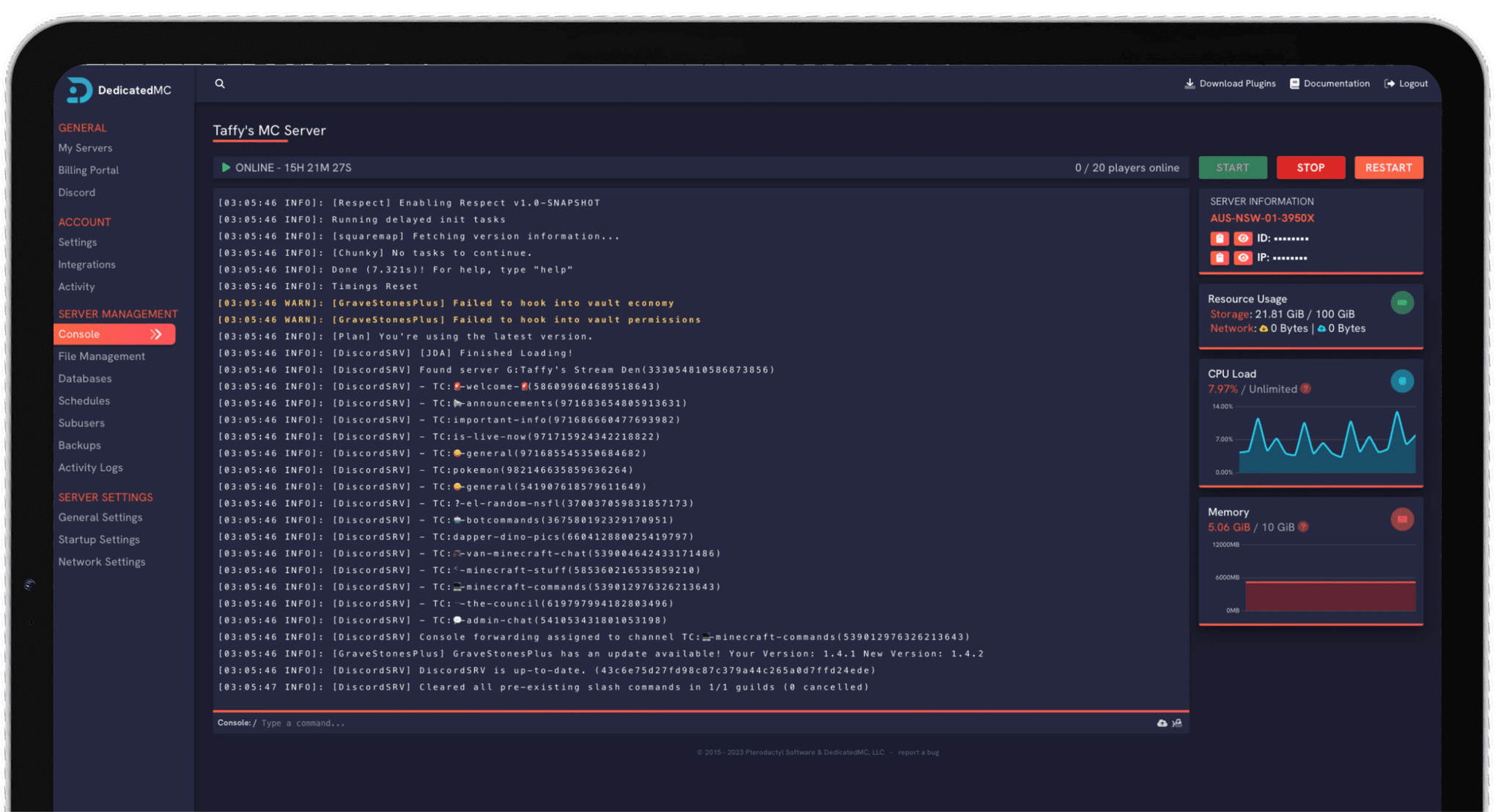
Rust punishes weak hardware — a full pop wipe day with hundreds of entities is exactly when cheap hosts fall over. DedicatedMC runs your server on high-frequency Ryzen cores so it holds framerate under load. Install Oxide (uMod) plugins straight from the panel, tune your server config and gather rates without touching the command line, schedule map and blueprint wipes, and manage everything live over RCON. Enterprise DDoS filtering keeps you online through the busiest raids.
Rust server performance is measured in server FPS — the rate at which the game loop ticks — and it collapses on weak hardware the moment a full-population server has hundreds of players, thousands of deployables and a large procedural map to simulate. Wipe day, when everyone logs on at once, is precisely when oversold nodes stutter and rubber-band. We run Rust on high-clock AMD Ryzen cores so the server holds its tick rate under exactly that kind of load.
Map size and seed are yours to set. A larger world value gives more room to build but costs more CPU and RAM, so you can size the map to your player count rather than paying for simulation you do not use. Oxide (uMod) installs from the panel, and from there you can add plugins for gather rates, kits, clans, shops, events and moderation — every config editable in the file manager, no CLI in sight.
Wipes are part of running a Rust server, so we make them painless: schedule map and blueprint wipes as recurring tasks and the world regenerates on your chosen cadence automatically. Manage the server live over RCON — kick, ban, change convars and run commands while it is running — and lean on enterprise DDoS filtering to stay online through the raids that would knock a lesser host offline.
High-clock Ryzen cores and NVMe storage keep the tick rate up when a busy map and a big base count would drag oversold hardware to a crawl.
Install the Oxide framework and your plugins from the panel, then edit every config through the built-in file manager — no manual uploads, no SSH.
Set map and blueprint wipes as scheduled tasks so your world resets on cadence — weekly, biweekly or on the monthly forced wipe — without manual work.
Live RCON administration, automatic offsite backups and enterprise DDoS filtering, backed by 24/7 Discord support from the people who built the platform.
Start with world generation. Set your map size and seed to match the community you want — a smaller, denser map for close-quarters fights, or a larger one for a big vanilla server. These are the settings that most affect resource use, so tune them before you invite players rather than after.
If you are running modded, install Oxide first, then add plugins one at a time and check each one loads cleanly before adding the next. A gather-rate plugin lets you set resource yields, smelting speed and stack sizes; other plugins handle kits, clans and shops. Keep an eye on which plugins update between Rust patches.
Plan your wipe schedule around Facepunch's monthly forced wipe on the first Thursday of each month, then add your own weekly or blueprint wipes as scheduled tasks in between. Connect an RCON tool for live moderation, and if you are coming from another host, our automated importer moves your files across for you.
I've loved this service since I left my old host. I never found a decent provider until this one. They have amazing support and have never let me down, even when I've had serious issues. Their plans are very affordable and for the quality you get I don't think anything beats it. I've used their service for around 4 years now and will continue to be a loyal customer.
Service and customer support? Fantastic. I've never had a single issue with my server they haven't been able to help with. The servers are always running well and their customer support is equally as good — quick, helpful, patient and most importantly very transparent. If there are any issues, they will most definitely be there to help you.
Best company hands down. Their support team is friendly, fast, and incredibly helpful — especially through Discord where you can easily open a ticket. They offer features that some competitors charge extra for, and they genuinely help with server issues without any hassle.
Been with DedicatedMC for just under a year now and have yet to have an issue. I've never had problems with downtime or their support — it's by far the best in the space. They reply almost instantly and are always happy to help.
Switching hosts usually means a weekend of zipping files and hoping nothing breaks. Our importer handles the whole migration automatically — free, on every plan.
Open the importer in your panel and tell it where your current server lives. That's the only thing we need from you.
Worlds, plugins, mods and configs transfer automatically. No zipping files, no FTP client, no support ticket.
Your server comes up on our hardware with everything where you left it. Update your players' IP and you're done.
Unusual setup? Ask on Discordand we'll do it by hand.
A wipe resets your world so everyone starts fresh. A map wipe clears the map and structures; a blueprint wipe also resets learned blueprints. Most servers wipe weekly or biweekly. You can automate this with a scheduled task in the panel so the map regenerates on your chosen cadence without you logging in.
Yes. You can install the Oxide (uMod) modding framework and then add plugins for gather rates, kits, clans, shops, events and moderation. Plugin configs live in the file manager, so you can tune them directly without touching a command line.
Rust's RAM and CPU use scale with map size and player count. A larger world (higher map size value) and a busier server both cost more memory. A small community map runs lean; a full 200-player procedural map with a big base count needs considerably more headroom. Upgrades are pro-rated, so you can start modest and scale up.
Yes. RCON is available so you can run commands, moderate players and change convars live while the server is running — either through the panel console or an external RCON tool.
Raid night is exactly when servers get attacked. Every Rust server sits behind enterprise DDoS filtering to keep you online when it matters most, running on hardware that holds its server FPS under a full-population load.
Yes. Vanilla rates are configurable, and modded servers can go much further with an Oxide gather-rate plugin to control resource yields, smelting speed, stack sizes and more. It is all editable from the panel.
Facepunch ships a mandatory update on the first Thursday of each month that forces a wipe because the map generation changes. Weekly and blueprint wipes in between are entirely your choice — set whatever cadence suits your community.