
Grounded is a four-player co-op survival game, and by default one player has to host — which means the world only exists while that person is online. A dedicated server fixes exactly that. DedicatedMC runs your backyard on always-on hardware so any of your group can log in and make progress on their own schedule, applies the difficulty and world settings the server supports, and backs up your save automatically. We keep the multiplayer limits honest: Grounded is built for small parties, not large public servers.
Grounded is a deliberately small-scale game: you and up to three friends, shrunk to the size of an ant, surviving a suburban backyard together. That four-player limit comes from the game itself, and a dedicated server does not raise it — anyone promising a Grounded server with dozens of slots is selling something the game does not do. What hosting changes is not the party size but the availability of the world.
Out of the box Grounded is peer-to-peer: one player hosts the session and everyone else can only play while that host is online. It is the classic co-op friction — progress stalls because the one person who owns the world is busy. Putting the world on a dedicated 24/7 server removes that bottleneck. The backyard persists independently of any single player, so whoever is free can jump in, gather, build and push the run forward, and no one is burning their own PC and bandwidth to carry the group.
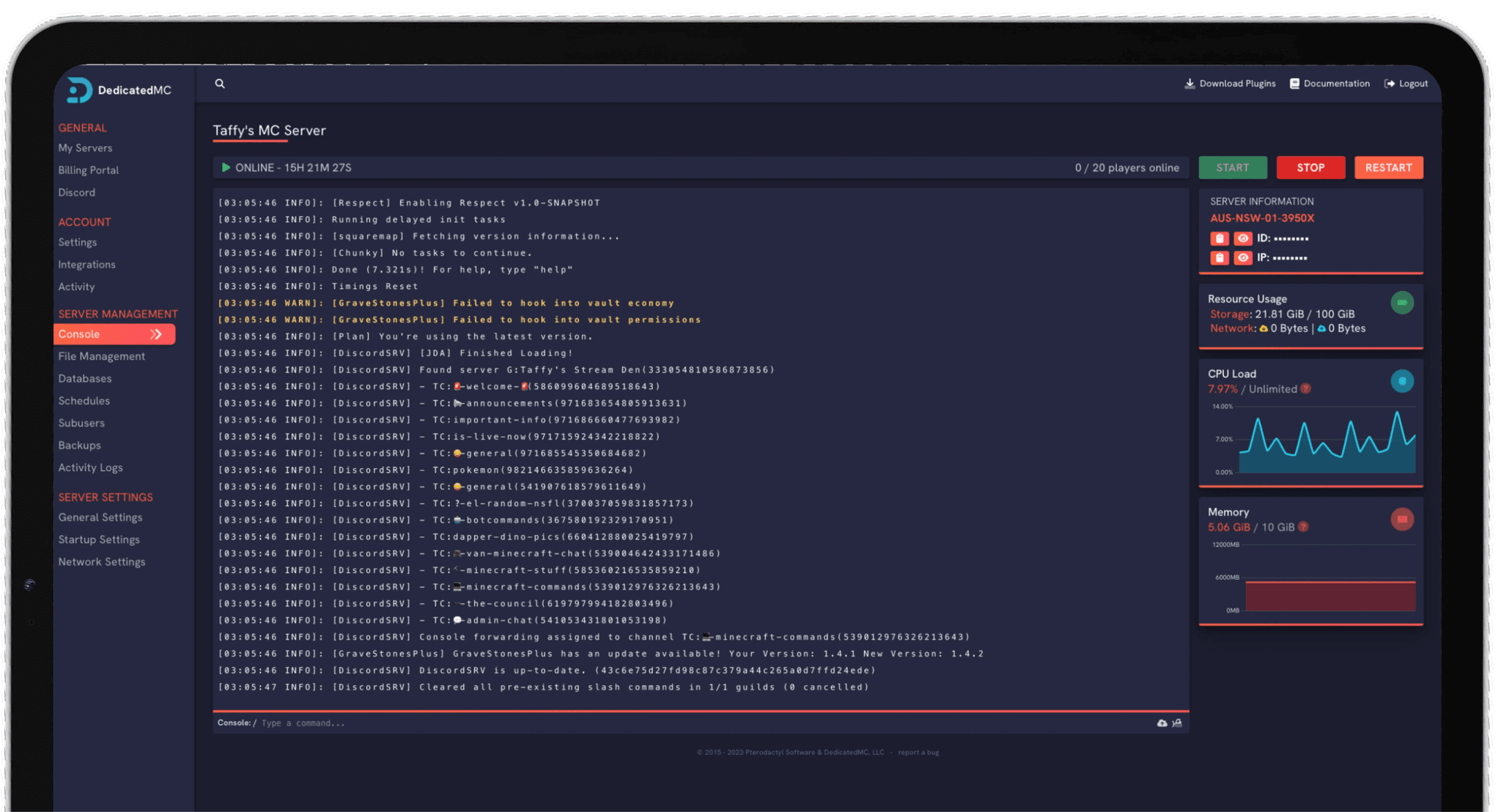
Everything runs through our in-house panel — the same one behind our Minecraft and Rust hosting — so you manage the world, apply settings, restore a backup and schedule restarts without touching a command line. For a small co-op game that mostly wants to be reliable and always there, that is precisely the point.
Your backyard runs 24/7 on our hardware, so progress no longer depends on one host being online — any of your four players can log in whenever they are free.
Grounded caps at four players by design. We host that four-player world properly rather than pretending the game scales to a crowd it was never built for.
Apply the difficulty and custom game options the server supports so the backyard matches how your group wants to play — relaxed exploration or a real challenge.
Automatic offsite save backups, enterprise DDoS filtering and 24/7 Discord support from the team that runs the platform — so a lost base is a rollback.
Set your difficulty and custom game options before the group commits to a save. Grounded lets you adjust combat difficulty and creature aggression along with other challenge and accessibility settings, and applying the ones your server supports up front means the world plays the way your group wants from the first session rather than being retuned halfway through.
On crossplay, we would rather be accurate than optimistic. Grounded supports Xbox and PC crossplay in general, but whether a particular dedicated setup accepts every platform and connection method depends on the server software. If mixed-platform play matters to your group, ask us on Discord first and we will confirm exactly what your configuration supports before you build a run around it.
Your save lives on the server and is backed up automatically to offsite storage, so cumulative survival progress is protected against a bad update or a wiped base — you restore from the panel. If you are moving an existing world from a peer-hosted game or another provider, open a ticket and our team will help you bring it across.
I've loved this service since I left my old host. I never found a decent provider until this one. They have amazing support and have never let me down, even when I've had serious issues. Their plans are very affordable and for the quality you get I don't think anything beats it. I've used their service for around 4 years now and will continue to be a loyal customer.
Service and customer support? Fantastic. I've never had a single issue with my server they haven't been able to help with. The servers are always running well and their customer support is equally as good — quick, helpful, patient and most importantly very transparent. If there are any issues, they will most definitely be there to help you.
Best company hands down. Their support team is friendly, fast, and incredibly helpful — especially through Discord where you can easily open a ticket. They offer features that some competitors charge extra for, and they genuinely help with server issues without any hassle.
Been with DedicatedMC for just under a year now and have yet to have an issue. I've never had problems with downtime or their support — it's by far the best in the space. They reply almost instantly and are always happy to help.
Switching hosts usually means a weekend of zipping files and hoping nothing breaks. Our importer handles the whole migration automatically — free, on every plan.
Open the importer in your panel and tell it where your current server lives. That's the only thing we need from you.
Worlds, plugins, mods and configs transfer automatically. No zipping files, no FTP client, no support ticket.
Your server comes up on our hardware with everything where you left it. Update your players' IP and you're done.
Unusual setup? Ask on Discord and we'll do it by hand.
Grounded is a small-party co-op game: it supports up to four players in a shared world, and that limit is set by the game itself, not by the hosting. If you are picturing a large public server with dozens of players, Grounded is not that kind of game — it is built for you and up to three friends surviving the backyard together. A dedicated server is about keeping that four-player world always available, not about raising the cap.
Grounded normally runs peer-to-peer, where one player hosts and the others can only play while that host is online. A dedicated server removes that dependency: the world runs on our hardware around the clock, so any of your group can jump in and make progress without waiting for a specific person to be online. It also means no one is giving up their own bandwidth and CPU to carry the session.
That is the main reason to rent one. On a peer-hosted game the world only exists while the host is playing; on a dedicated server the world persists independently, so progress continues on your schedule rather than around one person's availability. Anyone in the group can be the one who logs in and pushes the base forward.
Yes. Grounded exposes difficulty and custom game settings — combat difficulty, whether creatures are more or less aggressive, and other accessibility and challenge options — and you can apply the ones the dedicated server supports so the world matches how your group wants to play. Set these to taste before you sink hours into a save.
Grounded supports crossplay between Xbox and PC in general, but whether a given dedicated server setup accepts every platform depends on the server software and how players connect. We would rather be straight with you than overpromise: if crossplay compatibility matters for your group, open a ticket on Discord and we will confirm exactly what your configuration supports before you commit.
Your world save lives on the server and is backed up automatically to offsite storage on a schedule. Because survival progress is cumulative, a working backup means a lost base, a bad update or a griefing incident is a rollback rather than the end of the playthrough. You can restore a save from the panel.