
From a quiet Classic world with a few friends to a 16-slot TShock survival server or a full Calamity playthrough on tModLoader, DedicatedMC runs your Terraria world on dedicated hardware instead of your own machine. Manage mod lists and plugins straight from the panel, host multiple worlds at different difficulties, and let automatic replication keep your .wld files safe.
Terraria hosting really splits into two worlds, and DedicatedMC handles both. A vanilla dedicated server is the straightforward option for a group who wants the base game exactly as it ships — up to eight players, no extra setup, everyone on the same official build. Switch the server to tModLoader and you unlock the enormous modding scene: content overhauls like Calamity and Thorium that add hundreds of items, bosses and biomes, quality-of-life mods, and cross-mod content built on the tModLoader API. Because modded play is version-locked, every connecting player needs the same tModLoader build and enabled mod set, and our file access lets you manage the enabled.json list and per-mod configs directly instead of fighting a stock control panel.
A plain vanilla server has no real moderation tools, which is fine for friends but a problem the moment strangers can join. TShock is the answer: it replaces the vanilla server with a framework that adds user accounts and permissions, region protection to stop griefing, ban and mute tooling, and a plugin API. That plugin layer is where public Terraria servers come alive — warps, shops, economies, PvP arenas and custom events all install as server plugins dropped into the ServerPlugins folder.
TShock also lifts the vanilla eight-player ceiling, comfortably running 16 or more on a well-provisioned node. Our plans are sized around real event load — Blood Moons, Pumpkin Moons and multiplayer boss fights that spawn a screen full of enemies at once — so the slot count you pay for is the slot count that actually stays playable.
Terraria bakes difficulty into the world at generation, so you choose Journey, Classic, Expert or Master when a world is created. Journey brings the research and sliders that let a group rewrite the rules; Expert and Master ramp enemy stats and drop exclusive gear for players who want the fight. World size — Small, Medium or Large — is chosen the same way, with larger maps giving more biomes and elbow room at the cost of extra memory and disk. You're not stuck with one world either: keep several .wld files on the server and switch which one loads, so a Master-mode challenge and a relaxed Classic build can share the same plan.
Hosting from inside the game means the world only exists while your PC is on and you're in the session. A dedicated server removes that entirely — the world runs 24/7 on our hardware, friends drop in on their own schedule, and progress is never tied to one person's connection. Automatic replication runs on every plan and scheduled tasks handle timed restarts and commands, while DDoS protection and publicly verifiable node monitoring keep the server both online and honest.
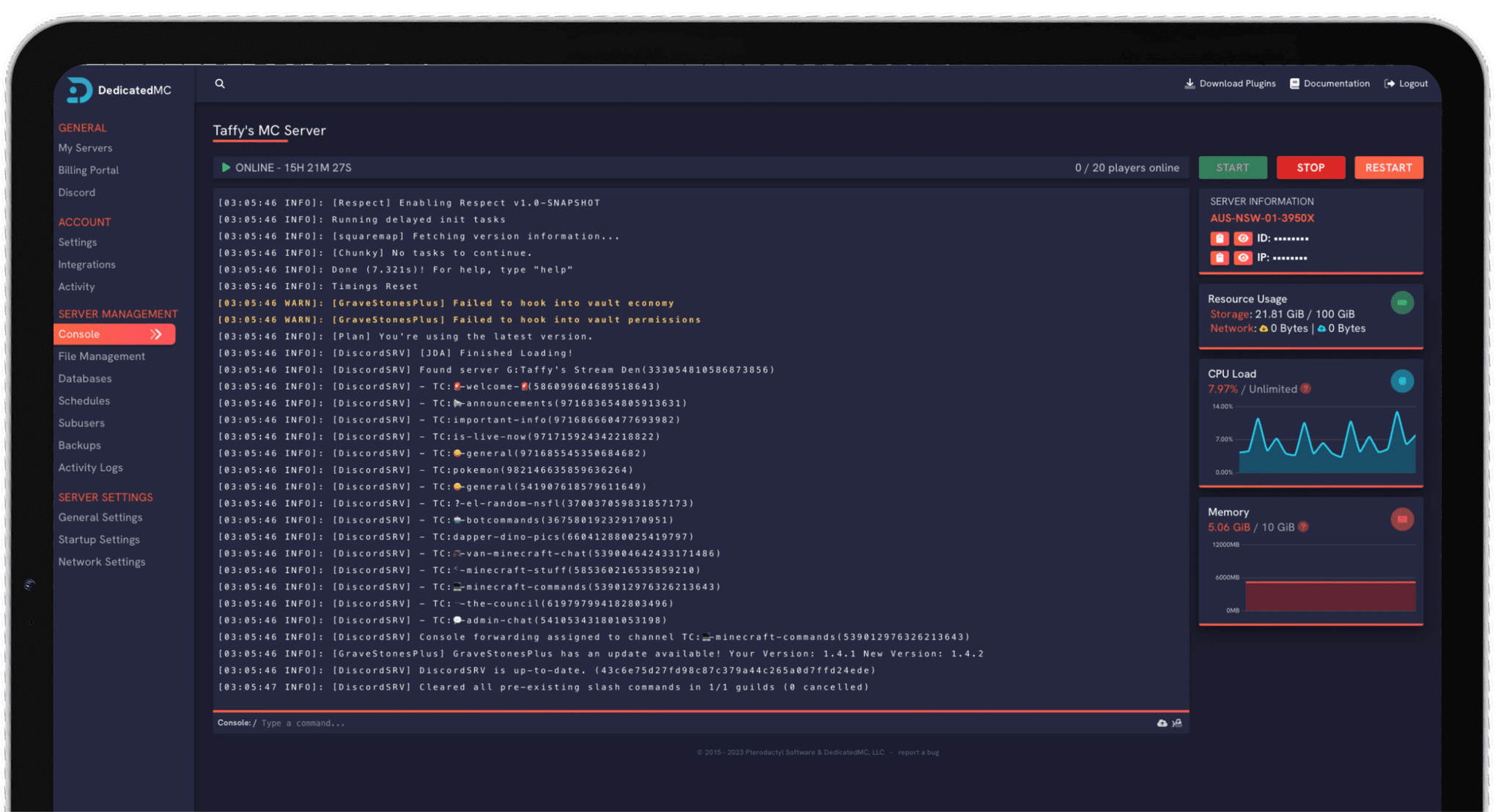
Vanilla, TShock and tModLoader each expect their files laid out differently, and our in-house panel gives you the full file manager, console and scheduled-task access to run any of them without support tickets. Swap a world, edit a TShock config, update a mod list or upload a fresh .wld from the browser, then restart in a click. Free MySQL databases are on hand for plugins that need one, subusers let you hand a co-admin console access without your full credentials, and the built-in importer moves an existing Terraria server across for you. It's the same control serious Minecraft admins get, applied to your Terraria world — whether that world is a two-player Classic build, a modded Calamity marathon or a moderated public TShock server with ranks, regions and a full plugin stack.
I've loved this service since I left my old host. I never found a decent provider until this one. They have amazing support and have never let me down, even when I've had serious issues. Their plans are very affordable and for the quality you get I don't think anything beats it. I've used their service for around 4 years now and will continue to be a loyal customer.
Service and customer support? Fantastic. I've never had a single issue with my server they haven't been able to help with. The servers are always running well and their customer support is equally as good — quick, helpful, patient and most importantly very transparent. If there are any issues, they will most definitely be there to help you.
Best company hands down. Their support team is friendly, fast, and incredibly helpful — especially through Discord where you can easily open a ticket. They offer features that some competitors charge extra for, and they genuinely help with server issues without any hassle.
Been with DedicatedMC for just under a year now and have yet to have an issue. I've never had problems with downtime or their support — it's by far the best in the space. They reply almost instantly and are always happy to help.
Switching hosts usually means a weekend of zipping files and hoping nothing breaks. Our importer handles the whole migration automatically — free, on every plan.
Open the importer in your panel and tell it where your current server lives. That's the only thing we need from you.
Worlds, plugins, mods and configs transfer automatically. No zipping files, no FTP client, no support ticket.
Your server comes up on our hardware with everything where you left it. Update your players' IP and you're done.
Unusual setup? Ask on Discordand we'll do it by hand.
A vanilla Terraria dedicated server supports up to 8 players out of the box, and that limit is raised to 16 or higher when you run TShock. Our plans are provisioned so those slots stay smooth through Blood Moons, boss fights and heavy event spawns rather than choking the moment the action starts.
Yes. You can switch your server to the tModLoader server build directly, then load mods like Calamity, Thorium or The Stars Above. Everyone connecting needs the same tModLoader version and mod list enabled client-side, and our file access lets you manage the enabled.json mod set and configs without SSH.
TShock is a server framework for vanilla Terraria that adds player permissions, region protection, anti-grief tools, a plugin API and console commands. It's optional — a plain vanilla server works fine for a small group of friends — but TShock is what you want for a public server that needs moderation, ranks and plugins.
Yes. World difficulty is baked into the world when it's generated, so you pick Journey, Classic (Normal), Expert or Master at creation time. You can host multiple worlds of different difficulties on the same server and choose which one loads, or generate a fresh world in the mode you want whenever you like.
Yes. Worlds generate as Small, Medium or Large, and larger maps mean more biomes and space at the cost of more RAM and disk. Bringing an existing world across is just a matter of uploading your .wld file, or handing our team your current host's SFTP details and letting us migrate it for free.
No. A dedicated server runs on our hardware 24/7, independent of your game client, so friends can play whenever they want and the world keeps its state without anyone hosting. That's the main advantage over hosting from inside the game on your own PC.
Yes. On a TShock server you can drop server plugins into the ServerPlugins folder to add things like custom shops, warps, economy systems and moderation tooling. The panel's scheduled tasks handle automatic restarts and timed commands, so your server can maintain itself without you watching the console.